Loading...
Tutorial
Create AI film trailers with Lewis in 3 simple steps.
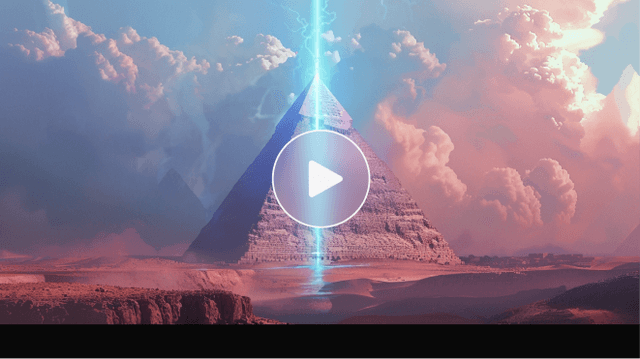
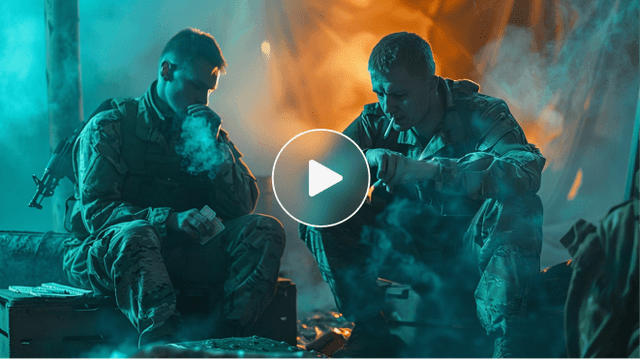
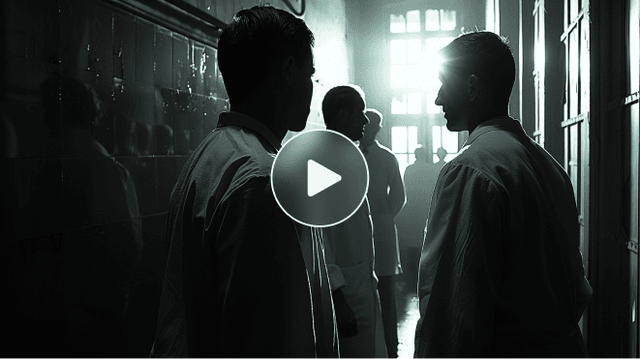
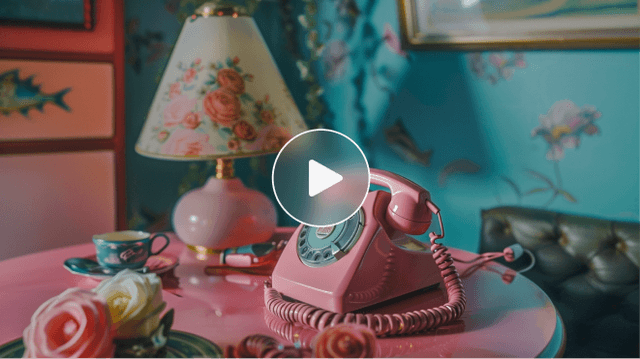
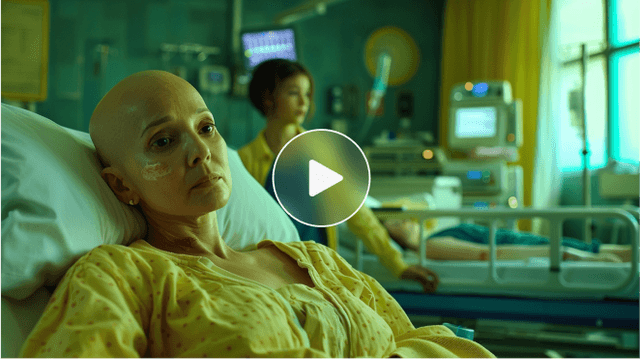
Check out the story made with "Lewis" in video format.
How it works
STEP 1
Get Files
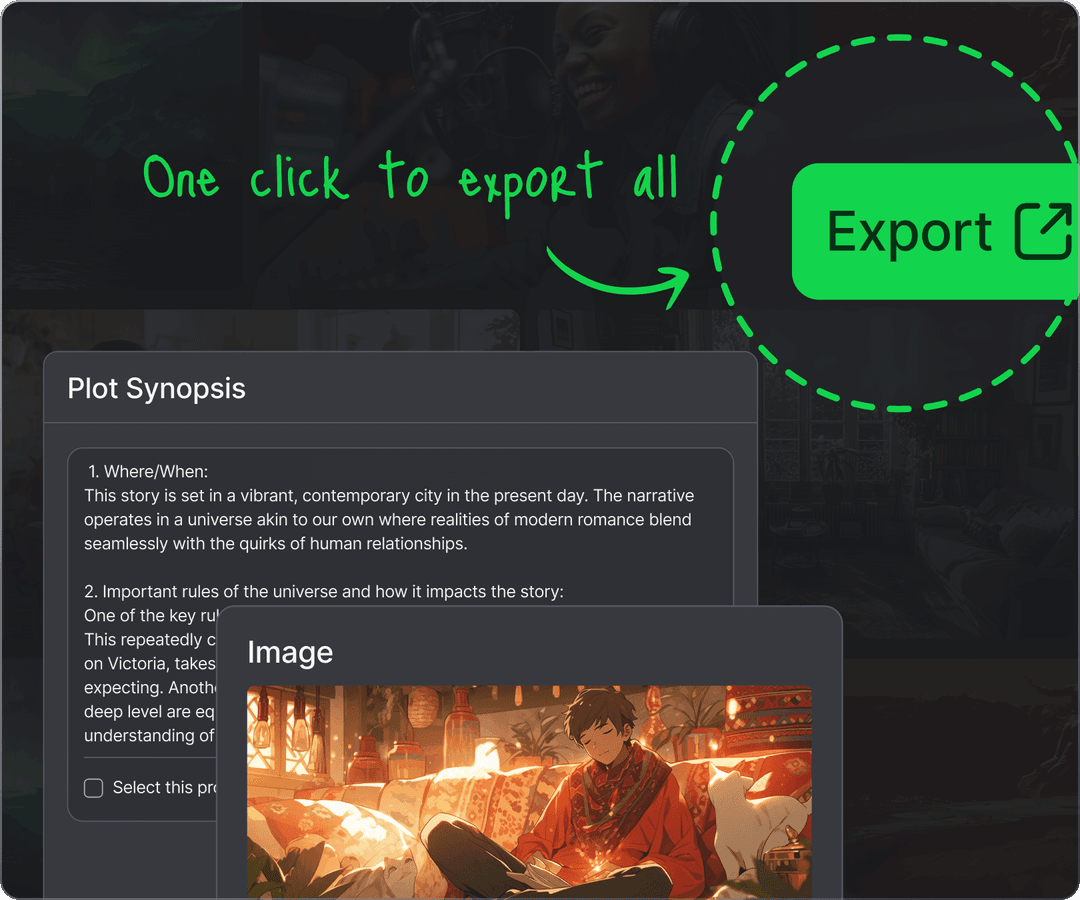
Click the 'Export' button in the top-right of the story page to download the original image files. When producing a movie trailer, we recommend generating as many locations and scenes as possible to secure a variety of images, and even generating a script for narration. Please also prepare background music that matches the theme and mood of the movie.
STEP 2
Convert
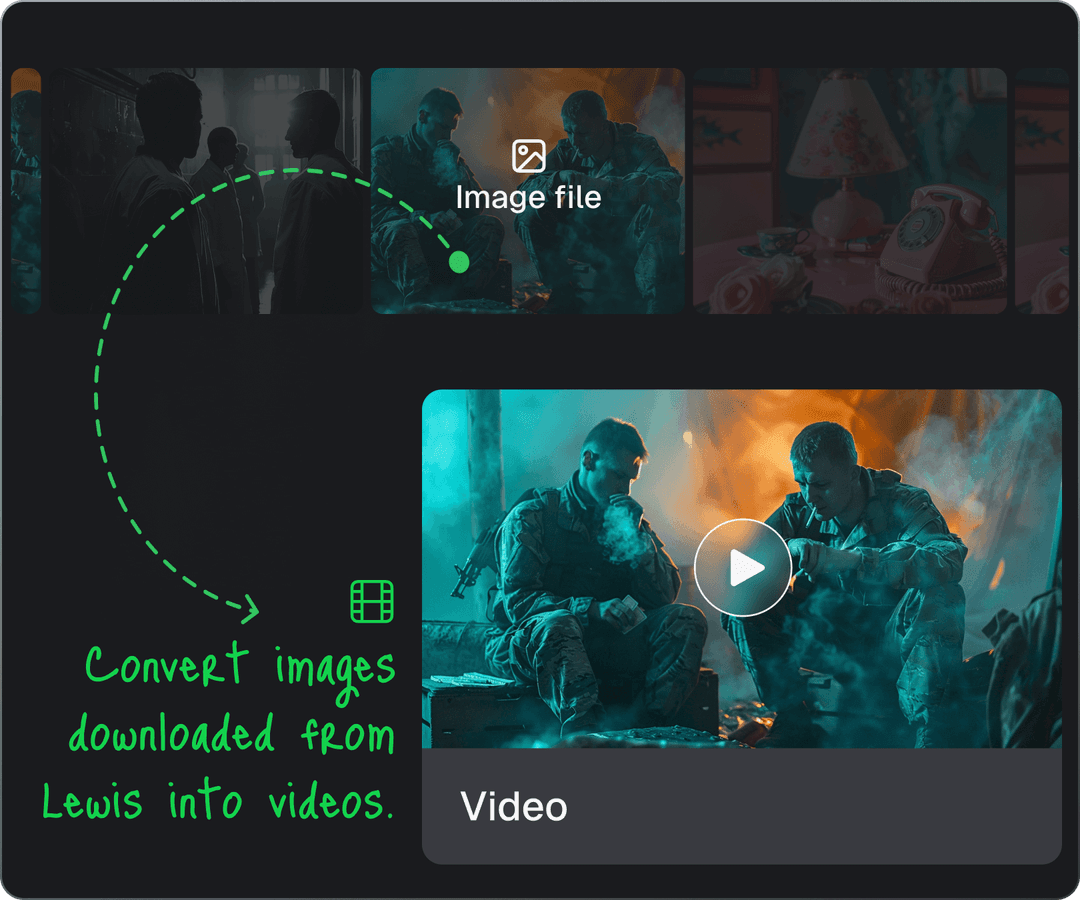
Use Runway Gen-2 to convert the downloaded image files into 5-second video clips. With ElevenLabs, you can convert your script text into high-quality narration that sounds like it was performed by a real voice actor or actor.
STEP 3
Edit
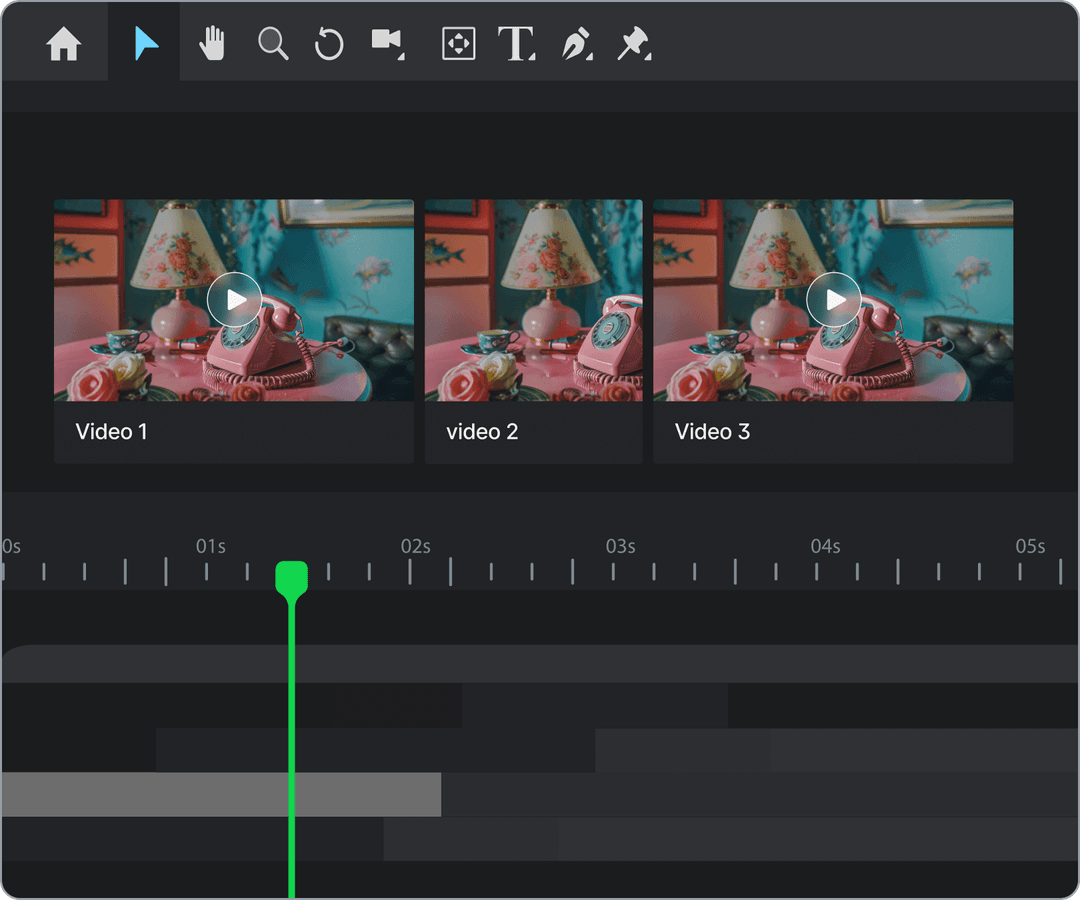
Use a video editing tool to stitch the downloaded images, videos, and audio files into a single trailer. Make good use of sound effects, text, and fade-in/fade-out effects to give it a truly cinematic feel. Share your finished video on the Lewis Discord server, or tag @ai_lewis5751 on X(Twitter).
Ready to create your own masterpiece?


Let us showcase your projects
Explore other Lewis tutorials
Let Lewis do the hard lifting for you so you can have fun creating.